Name searches
There are a number of ways you can search for a client’s name.
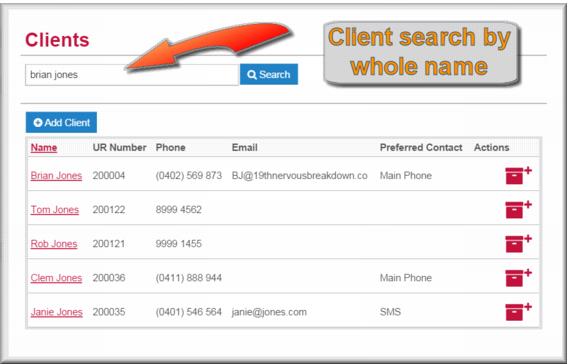
Whole name search
When you search for the whole name, Gambler’s Help Connect will look for records that match ANY of the search terms you use. In this example you can see that when searching for Brian Jones, Gambler’s Help Connect listed all clients named Jones (as well as Brian). If you enclose the whole name in double quotes, e.g. “Brian Jones” the search will only return client records that are an exact match.
| This search also returns results where any of the words in the client record match your search term. This includes email address or street name. |
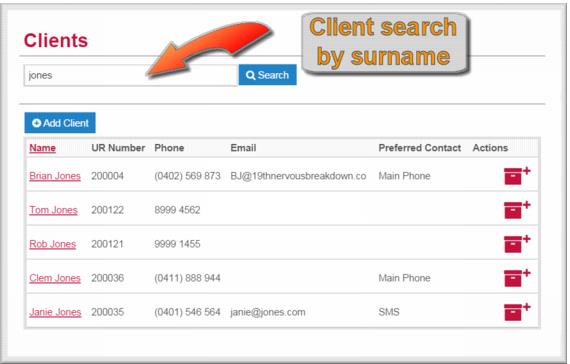
Surname search
You will note that the search result using the surname only is identical to the previous illustration.
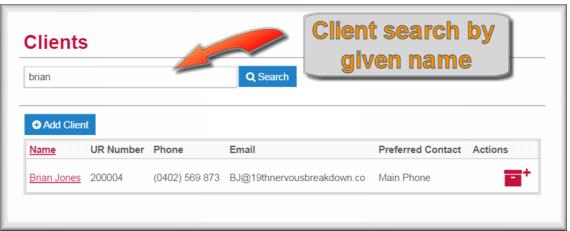
Given name search
In this example a search using the given name has yielded a single result – had there been any other Brians
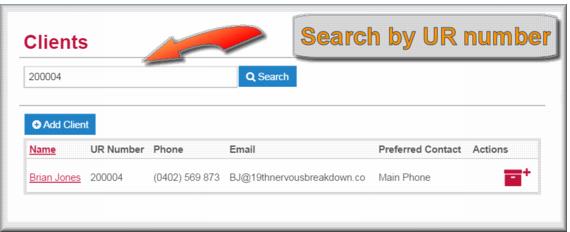
UR number search
Searching by UR number is fast and accurate – as long as you know the number. You can search by part of the UR number if you don’t know the whole number.
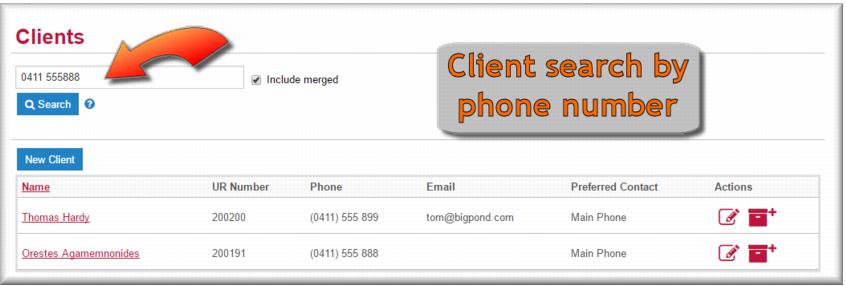
Phone number search
Occasionally you might receive a call without getting the name of the caller but with their phone number displayed on the call log.
Merged clients and other identifiers searches
There are two other elements of the keyword search you should consider:
 Merged records
 - Client records are merged when a duplicate registration is identified. If you select
Include merged 
your search will include merged records.
Other identifiers –is a free text field in the client record which can be used to record additional identity details not recorded elsewhere, e.g. a UR number from a local case management system. Values in this field will also return results in a client search.
Searching for a client record
You can search by all or part of a client’s name, by their UR number or by all or part of their telephone number.
To search for a client record:
1 In the Navigation Menu select : Clients.
The Clients search page displays.
2 Enter the client search term you want to use in the search field and then click

.
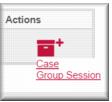
Client records matching your search display. The client action icon
The client action icon

displays at the end of each row in the list. If you hover your mouse over the icon an action menu displays.
Depending on the option you select you can create a new individual or group case for the client.
Organisations
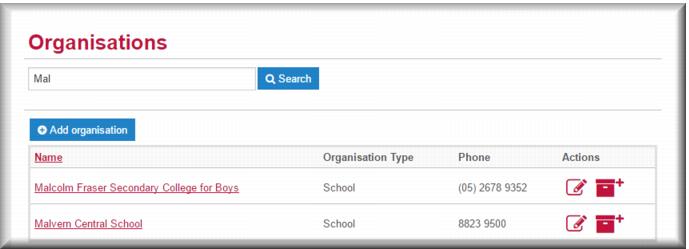
With the organisation keyword search you can look up the details of any organisation registered in Gambler’s Help Connect.
![MCj04347500000[1]](../GHC102/images/GHC-102-PM.1.026.01.jpg)