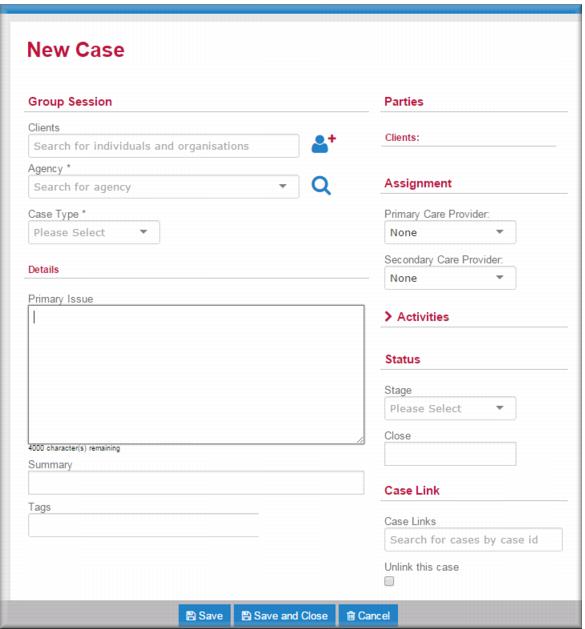
 select the agency where the group will run.
  select the group case type.
 select the Primary Care Provider.
 select them on the Secondary Care Provider field.
 select Active.
![MCj04347500000[1]](../GHC102/images/GHC-102-PM.1.054.7.jpg) | Linking to the originating cases in the group case allows you to quickly access those cases should you want to add an activity or note to one of these cases after a group session. See Linking cases. |
 .
.![MCj04347500000[1]](../GHC102/images/GHC-102-PM.1.054.9.jpg) | After setting up the group case you should add a preparation activity to the group case account for your time. See Processing activities for group case sessions if you’re not sure how to do this. |