4 Connect for practitioners : Creating a practitioner case for a new client
  
Creating a practitioner case for a new client
 
Create the client record
Identity and contact preferences
Counselling
Other demographic information
Justice Clients
Self exclusions
Save the client record
Complete the practitioner case record
Case
Counselling
External referral
Issues
Assignment
Schedule activities
Stage
Receipt
When you create a case for a new client you must create the client record as well as the case record. The best approach is to start the new case, then add the client record and then complete the case.
C:\Users\Bill\Documents\CMS\Captures\icons and buttons\button-24836_640.png
View a demonstration of how to create a new case for a new client.
Whenever you begin a new practitioner case you should start with a client search.
MCj04347500000[1]
See Searching for a client record if you’re not sure how to do this.
Having established the client has no client record in the Gambler’s Help program:
1 From the Operations menu select New Case.
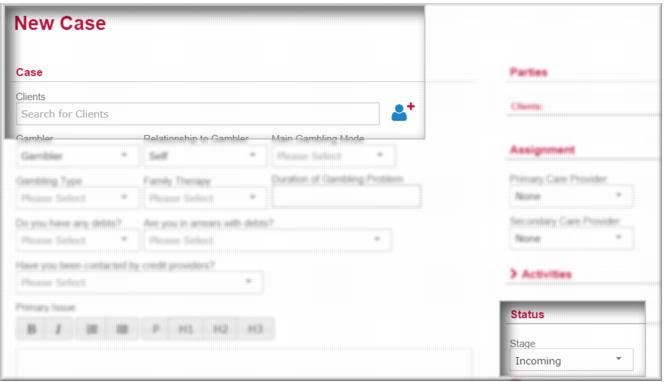
The New Case screen displays.
C:\Users\Bill\Documents\CMS\Captures\Screens\Newcase1.png
2 On the New Case page, in the Clients field, enter the client’s name and then click new person.
The Case> New Individual as Client page displays. This page is an overlay on the case page.